




 Click it and Unblock the Notifications
5 Quick Ways to Connect To Free Wifi
-
Step 1

Step 1
-
Step 2
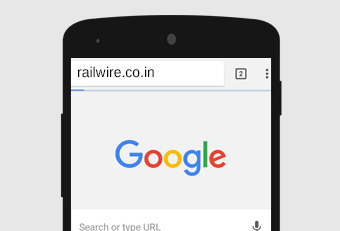
In the next step, you have to open the browser and into the window, enter the URL of railways www.railwire.co.in.
-
Step 3
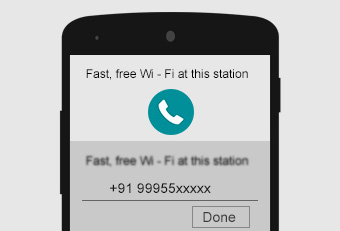
This will lead you to the login screen. Here your phone number needs to be entered. Next, you have to click on – receive SMS.
-
Step 4

You will receive an SMS which will be an OTP code in 4 digits. Go to the WiFi login. Fill up the OTP code here. Now, click on – done.
-
Step 55
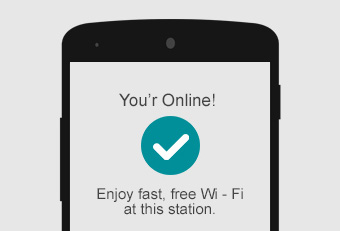
A checkmark will indicate that you have been connected to free WiFi.
Get connected to free WiFi through these 5 steps. You can do whatever you want: play the game that you always wanted to play, read any book or watch any video by easily downloading them. Hurray!